AI & Automation
How I Used Claude Cowork to Cut Month-End Reconciliation from Days to an Hour
How I Used Claude Cowork to Cut Month-End Reconciliation from Days to an Hour
Half of my LinkedIn feed feels like AI hype with very little practical value.
So here is a real example of where it helped me immediately.
I used Claude Cowork to help reconcile month-end accounts, and it turned two or three days of fragmented, stop-and-start work into roughly an hour of structured review.
That does not mean AI "did the accounting."
It means I set up a clean working environment, defined the rules clearly, and used the model the same way I would use a junior accountant: give it a file system, give it instructions, review the work, correct the logic, and make the process better each pass.
That is a much more useful way to think about these tools than treating them like chatbots.
The Folder Setup
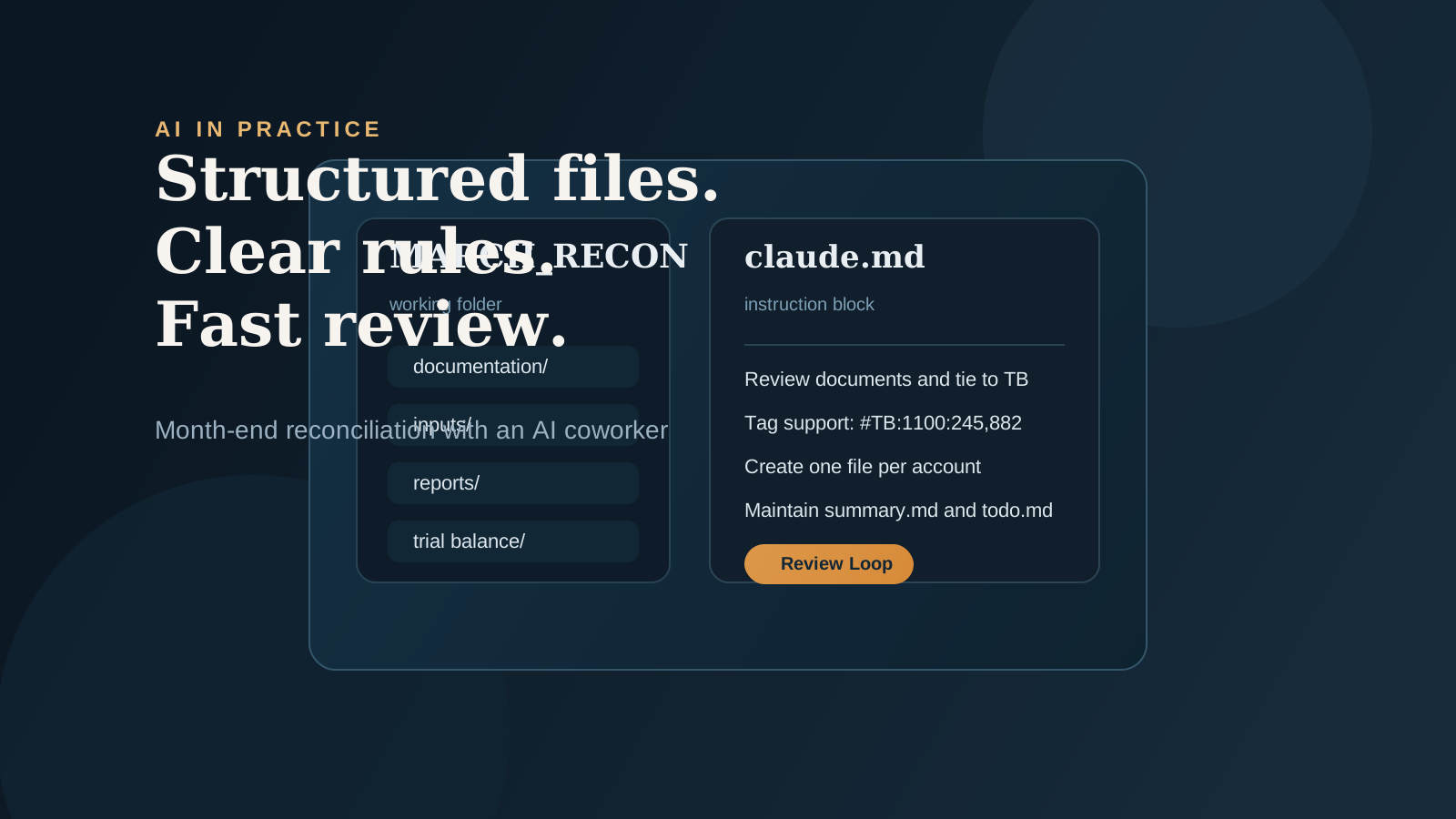
The first thing I did was create a working folder called MARCH_RECON and give Claude access to it.
Inside that folder, I created:
documentation/evidence/inputs/reports/scripts/trial balance/
That structure matters.
If you want good output on reconciliation work, you need an environment that makes sense. Dumping everything into one place and asking a model to "figure it out" is usually where people go wrong.
What I Loaded Into It
Once the folder structure was ready, I loaded the source files into inputs/.
That included:
- CSV exports from different systems
- XML files
- PDFs from the platforms we use
I renamed a few files where the names were too opaque, but for the most part I left the source material alone.
The point was not to create a polished package first.
The point was to give Claude the same messy but usable input set a real team member would need to work through.
The Instruction File
Next I wrote a small instruction file in plain text.
It was short, but specific.
I told Claude:
- Review the source documents.
- Tie the documents back to the trial balance.
- Use a tagging format of
#TB:{{account_number}}:{{balance}}so I could scrape and agree balances later. - Create a separate file for each account explaining the reconciliation process.
- Document how to build the file again in future periods.
- Maintain a
summary.mdfile with status and high-level conclusions. - Maintain a
todo.mdfile for open follow-up items.
That tagging system was important because I was not just asking for output. I was asking for output that could be validated and reused downstream.
Why I Had Claude Rewrite the Instructions
Before starting the reconciliation, I gave Claude the draft instructions and asked it to:
- rewrite them more clearly,
- tighten the task framing,
- and ask me any clarifying questions needed to complete the work well.
That is a step I think a lot of people skip.
Instead of assuming the first prompt is good enough, I use the model to improve the prompt before the real work starts. Once we had a better version, I saved it in the folder as claude.md and used that as the main instruction block.
The First Pass
After that, I told it to start reconciling.
Claude worked through the files, created account-level documentation, and built summary files I could review. At that point the job shifted from preparation to supervision.
That is the real leverage.
I was no longer spending hours manually stitching together support across disconnected systems. I was reviewing a structured work product.
The Review Loop
I reviewed the files the same way I would review the work of a junior accountant.
That meant:
- checking the support,
- questioning the logic,
- flagging anything unclear,
- and pushing corrections back into the process.
Some areas needed more guidance than others. Allowance for doubtful accounts, for example, needed more judgment and a couple rounds of refinement.
But once I corrected the edge cases and asked Claude to document the updated logic, the process got much stronger.
This is the part that gets lost in a lot of AI conversations.
The value did not come from pretending the first output was perfect.
The value came from having a fast review cycle and a system that documented what changed.
What Actually Saved Time
The time savings were substantial, but not because the model magically knew the accounting.
The savings came from four things:
- A clean working directory
- Clear operating instructions
- A required output structure
- A real review loop
That combination turned a painful month-end process into something much more manageable.
What used to be two or three days of interrupted reconciliation work became about an hour of review and correction.
That is a very different claim than "AI replaced an accountant."
It is closer to this:
AI handled the repetitive structuring, file-building, and documentation work so I could spend my time reviewing judgment areas and exceptions.
That is a useful division of labor.
The Bigger Point
Most accountants I talk to are still using AI like a chatbot.
They paste in a question, upload a file, maybe ask for a summary, and then decide the tool is either amazing or useless.
I do not think that is the right operating model for this kind of work.
If you treat AI more like an intern, the results improve:
- give it a workspace,
- give it explicit instructions,
- define the output format,
- require documentation,
- and review the result carefully.
That is where it starts to become operationally valuable.
Repo
I put the supporting repository here if you want to see how the workflow is set up:
github.com/tylerwhitlock50/month_end_claude
The repo is useful because it shows the broader point: this was not just a prompt. It was a working environment with files, instructions, outputs, and a repeatable process.
Final Thought
This was not an example of AI doing accounting independently.
It was an example of building a clean environment, defining the rules of the engagement, and using the model as a capable assistant inside a controlled review process.
That is why it worked.
The practical win is not "chat with a bot."
The practical win is designing a system where the model can produce structured work that is easy to review, improve, and repeat next month.